
A real video editor.
In your browser.
Instush runs a full WebGPU compositor, frame-accurate timeline, and H.264 export pipeline — all client-side. No installs, no uploads, no waiting for the cloud.
Cut loose.
Performance
Real-time WebGPU rendering
Every pixel runs through your GPU. Scrub a 4K timeline with a dozen tracks and watch it stay locked at frame rate — no proxies, no transcoding, no waiting for previews to render. The same engine that draws the preview drives the export, so what you see is exactly what you get.
- Hardware-accelerated compositing for video, text, and graphics
- Live filters and color grading without dropping frames
- No installs, no plugins, no Chromium-only tricks
Editing
Multi-track timeline that scales
Stack as many tracks as your story needs — video, audio, text, vectors, animations — all on one frame-accurate timeline. Drag, trim, split, ripple, lock, mute, and arrange with the precision of a desktop NLE, but in a tab.
- Unlimited tracks, snap-to-grid, frame-accurate trimming
- Independent track locks, mutes, and visibility
- Undo and redo across the entire project history
Captions
Automatic subtitles, right in your browser
Right-click any video or audio clip and transcribe it on the spot. Whisper runs entirely on your machine — GPU-accelerated, no uploads, no API keys, nothing leaves the tab. Ninety-nine languages, word-level timing, and a subtitle track lands above your clip already synced to the audio.
- 100% local transcription — your media never leaves your browser
- 99 languages with word-accurate timestamps
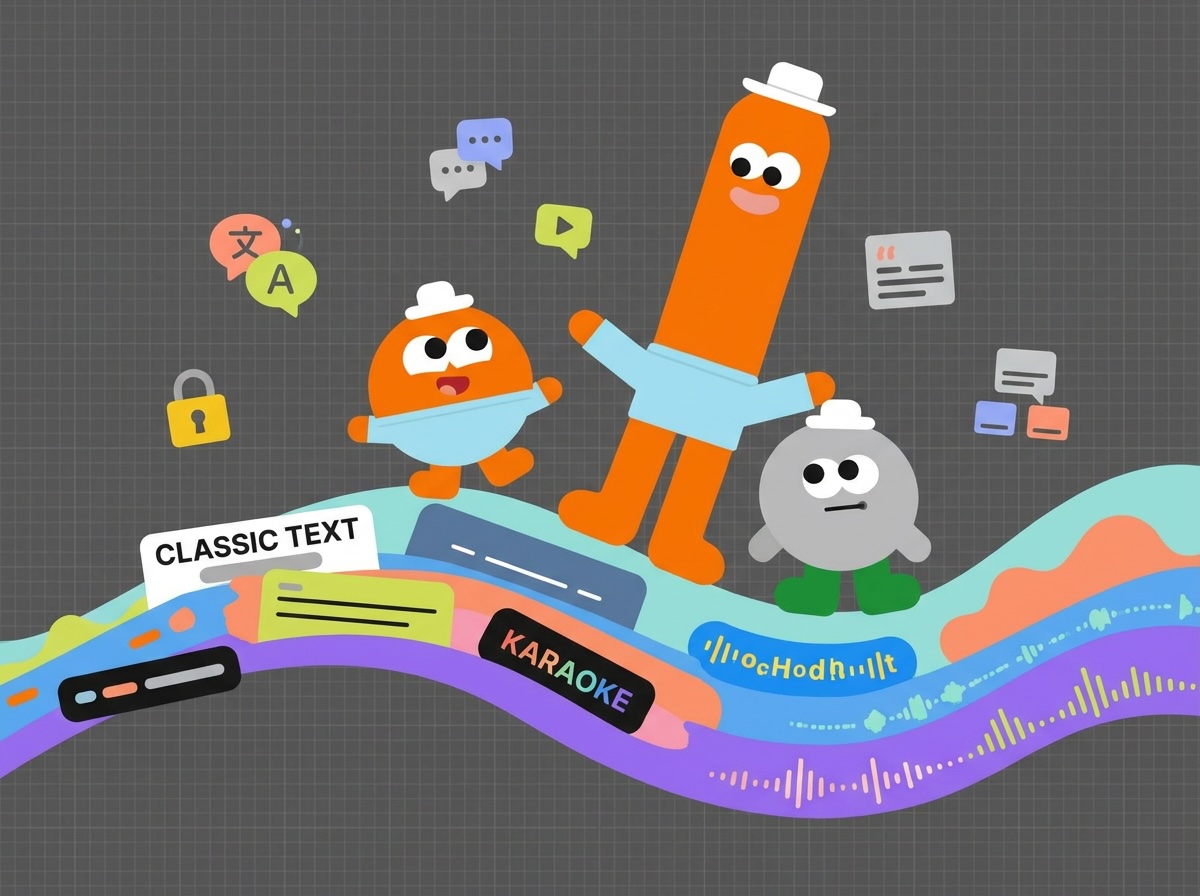
- Five caption styles: Classic, Minimal, TikTok, Karaoke, and Audio-reactive
Animation
Keyframe every property over time
Position, scale, rotation, opacity, size, effect parameters — anything that can take a number can take a keyframe. Curves with four easings let you choose between snap, glide, ease, and bounce on a per-property basis.
- Animate transforms, sizes, and effect properties independently
- Linear, ease-in, ease-out, and ease-in-out curves
- Per-clip local time so animations stay in sync with trims
Polish
Cinematic transitions
Twenty-three handcrafted transitions span slides, doors, wipes, 3D cubes, page turns, and particle dissolves. Drag one between two clips and it just works — no shader knobs to fiddle with unless you want to.
Look
Visual effects and stunning preset filters
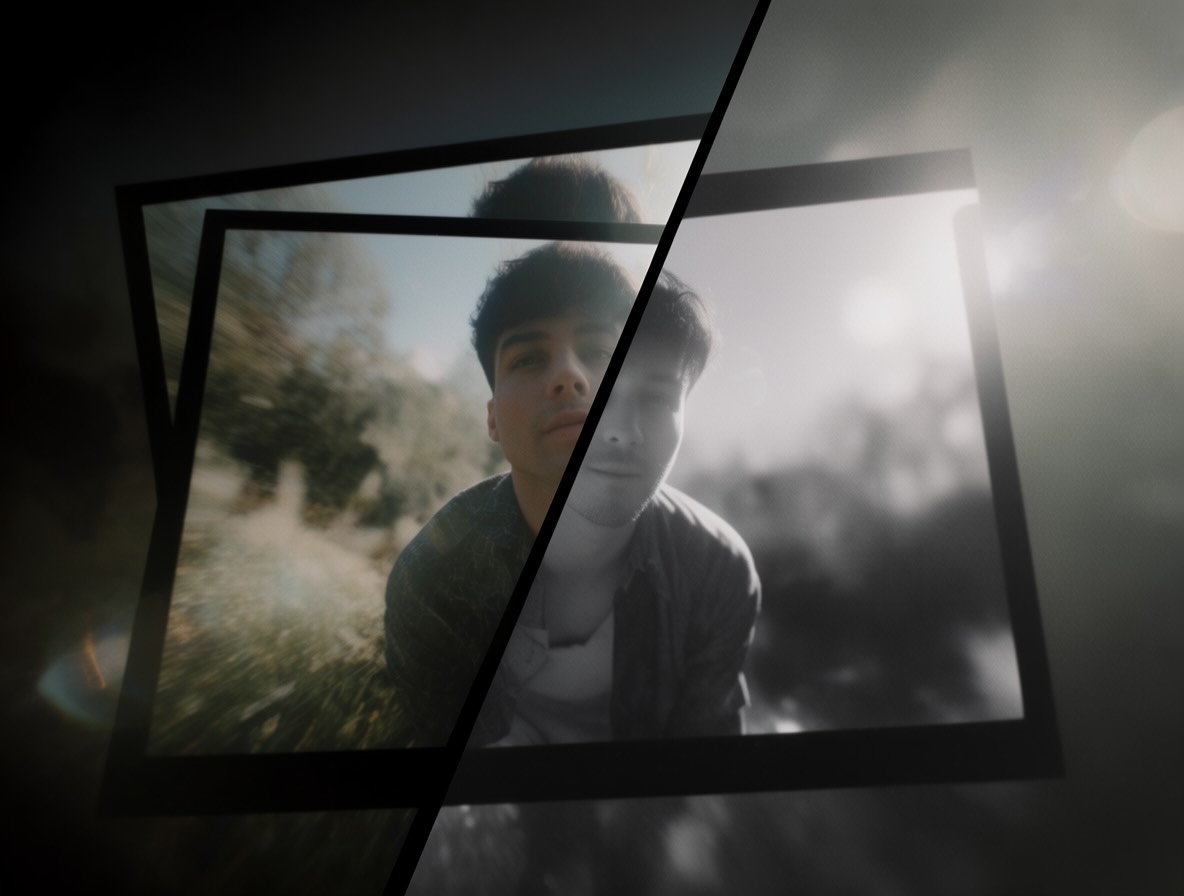
Blurs, color grading, drop shadows, vignettes, glows, and twenty-plus preset filters give every clip its own mood. Stack effects in any order and animate their parameters with keyframes for time-based grading.
- 20+ stunning preset filters, one click to apply
- Color wheels, exposure, contrast, saturation, and tint
- Effect chains are reorderable and individually toggleable
Typography
Text with Google Fonts and your device fonts
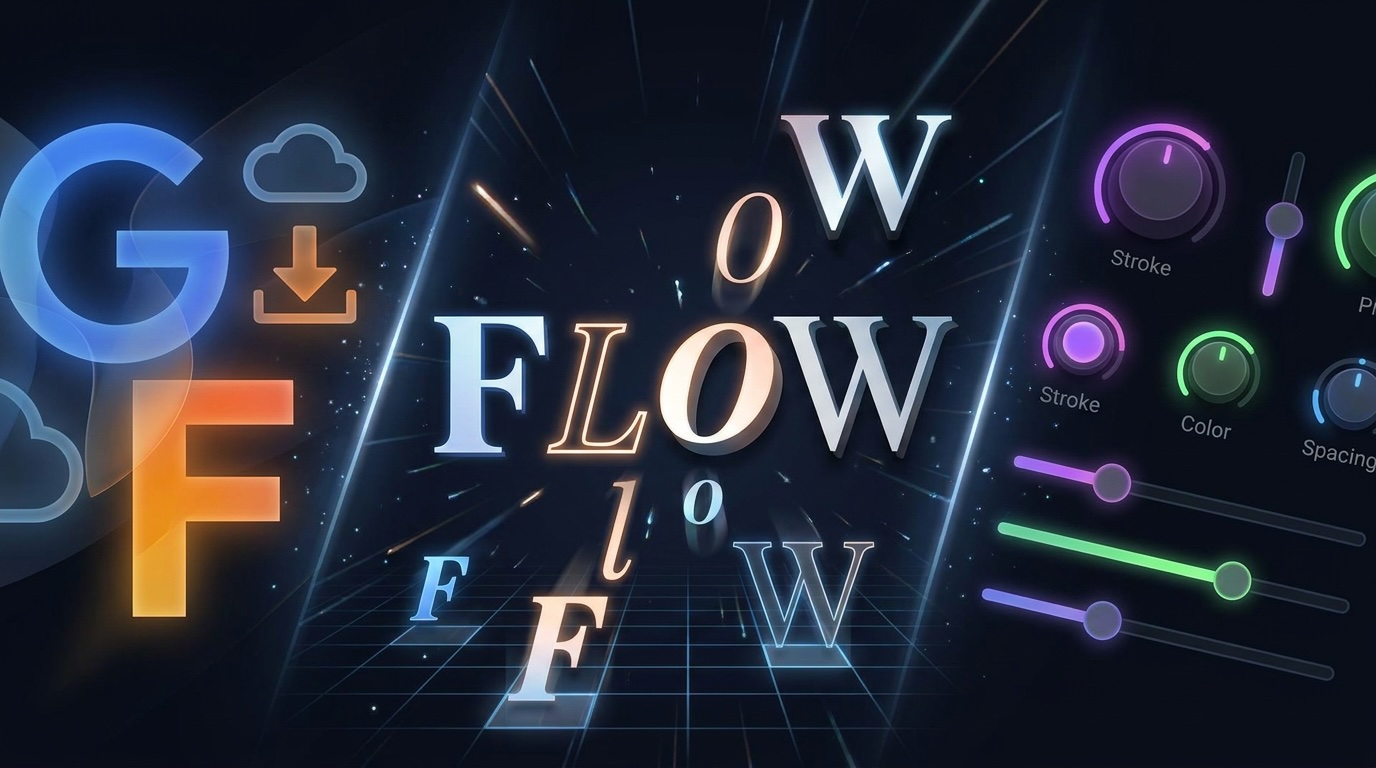
Start from a curated set of Google Fonts, import any other Google Font by pasting its URL, or use the fonts installed on your device. Then style every letter: stroke, fill, letter spacing, line height, alignment. Animate the words themselves with reveal, typewriter, slide, and popup motions — without leaving the editor.
- Import any Google Font by URL, plus your installed device fonts
- Per-letter motion: reveal, typewriter, slide, popup
- Stroke, color, spacing, alignment, and shadow controls
Graphics
Vector graphics, drillable
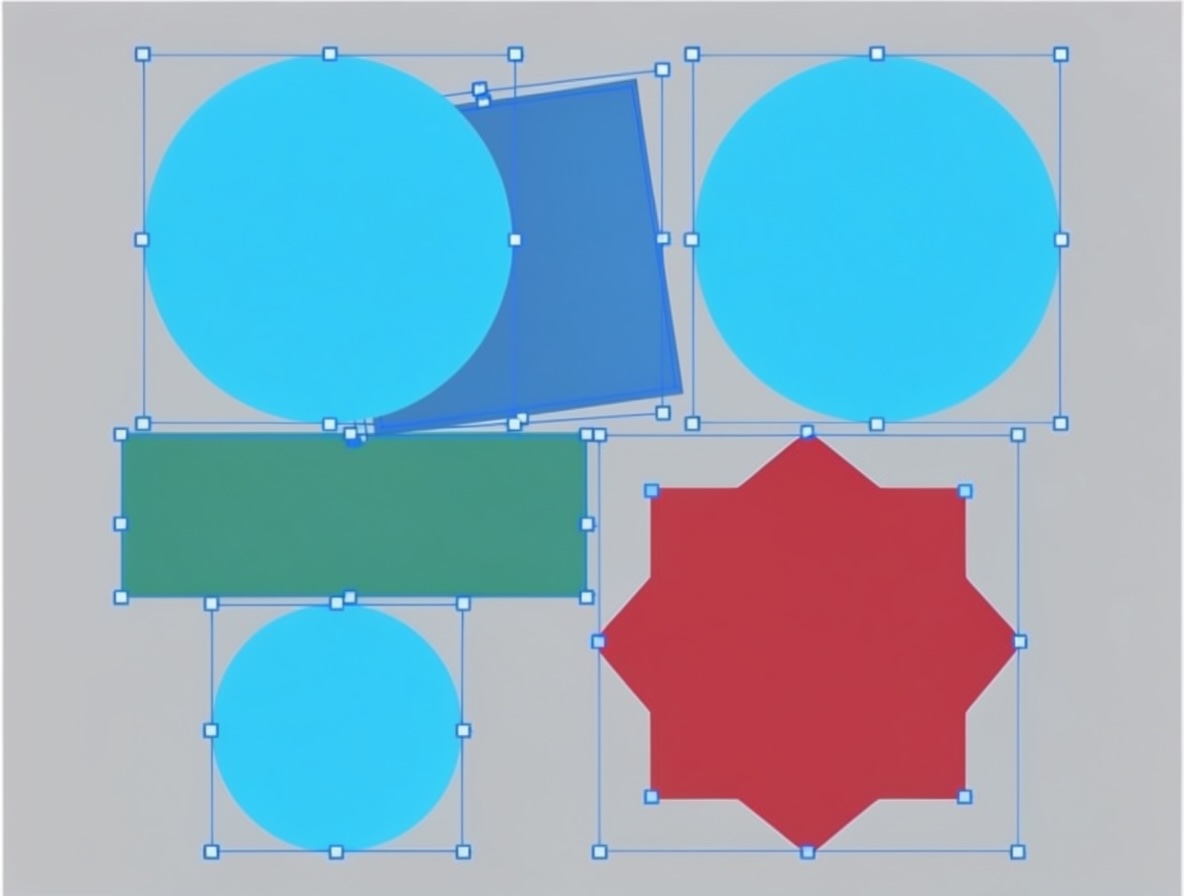
Rectangles, ellipses, lines, arrows, polygons, stars — composed into reusable vector clips. Double-click a vector clip in the preview to drill into it and edit each shape individually with its own transform handles. Layer-level moves and resizes distribute cleanly to the shapes beneath.
- Six primitives plus open and closed paths
- Per-shape fill, stroke, dash, and rotation
- Drill-down editing with shape-level transform boxes
Web-native motion
HTML and CSS animations as first-class clips
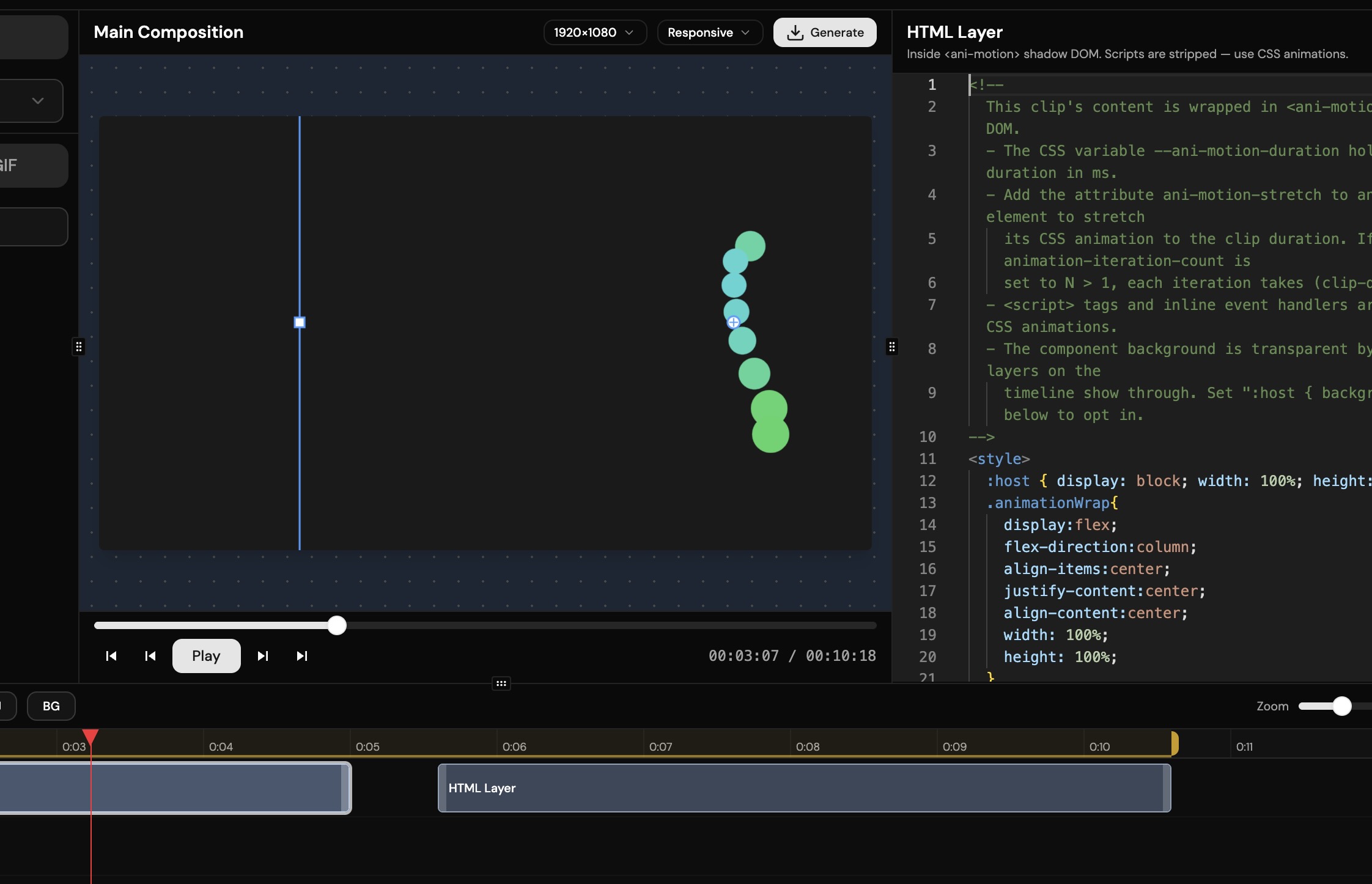
Drop your own HTML + CSS straight onto the timeline. Your @keyframes and transitions run inside a sandboxed shadow DOM and are stretched to fit the clip's duration automatically — perfect for lower-thirds, callouts, and any motion graphic you'd rather author in code than a panel.
- Sandboxed shadow DOM, scripts stripped for safety
- ani-motion-stretch attribute auto-syncs animations to clip length
- Bring designs straight from CodePen onto the timeline
Vector animation
Lottie JSON, ready to drop
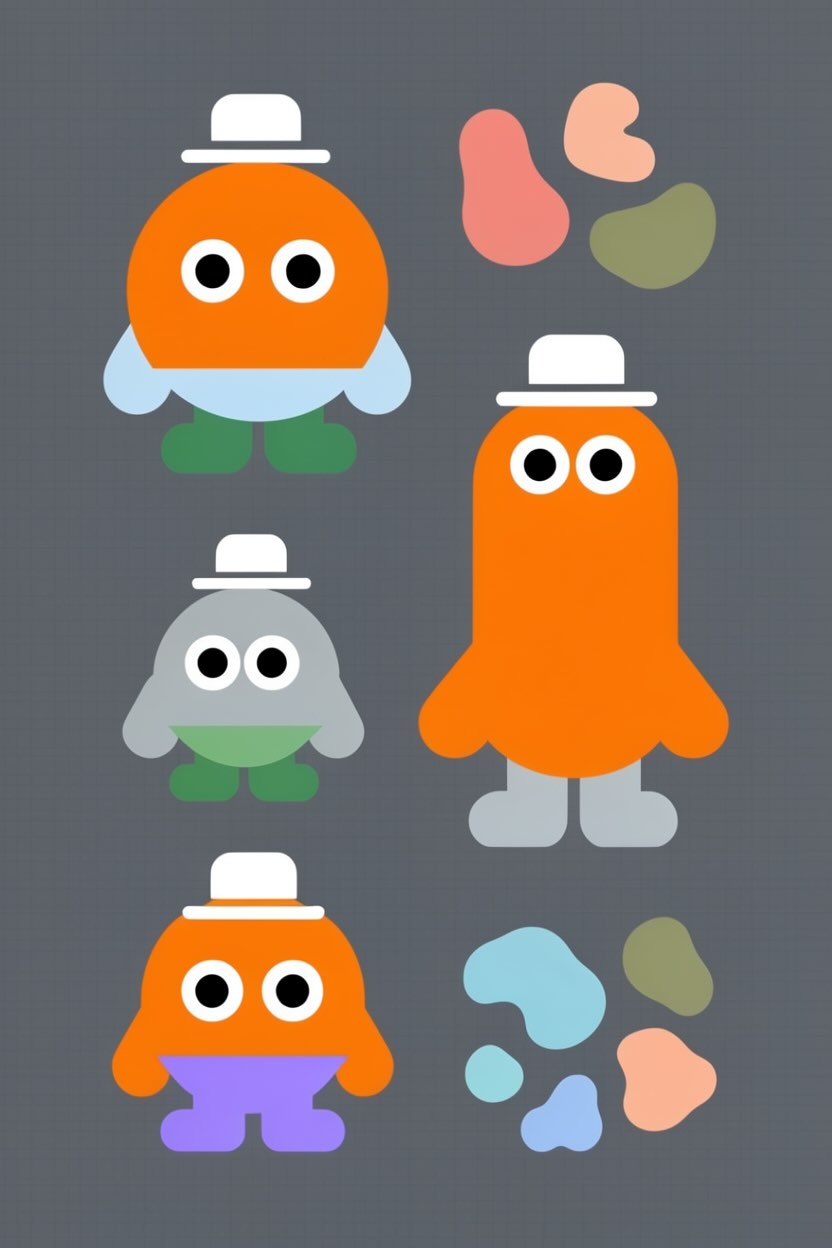
Designer hands you a Lottie file? Drag it onto the timeline. Each animation renders crisply at any resolution and stays in sync with composition time, so trims and speed changes just work.
Reactions
Animated GIFs, decoded once
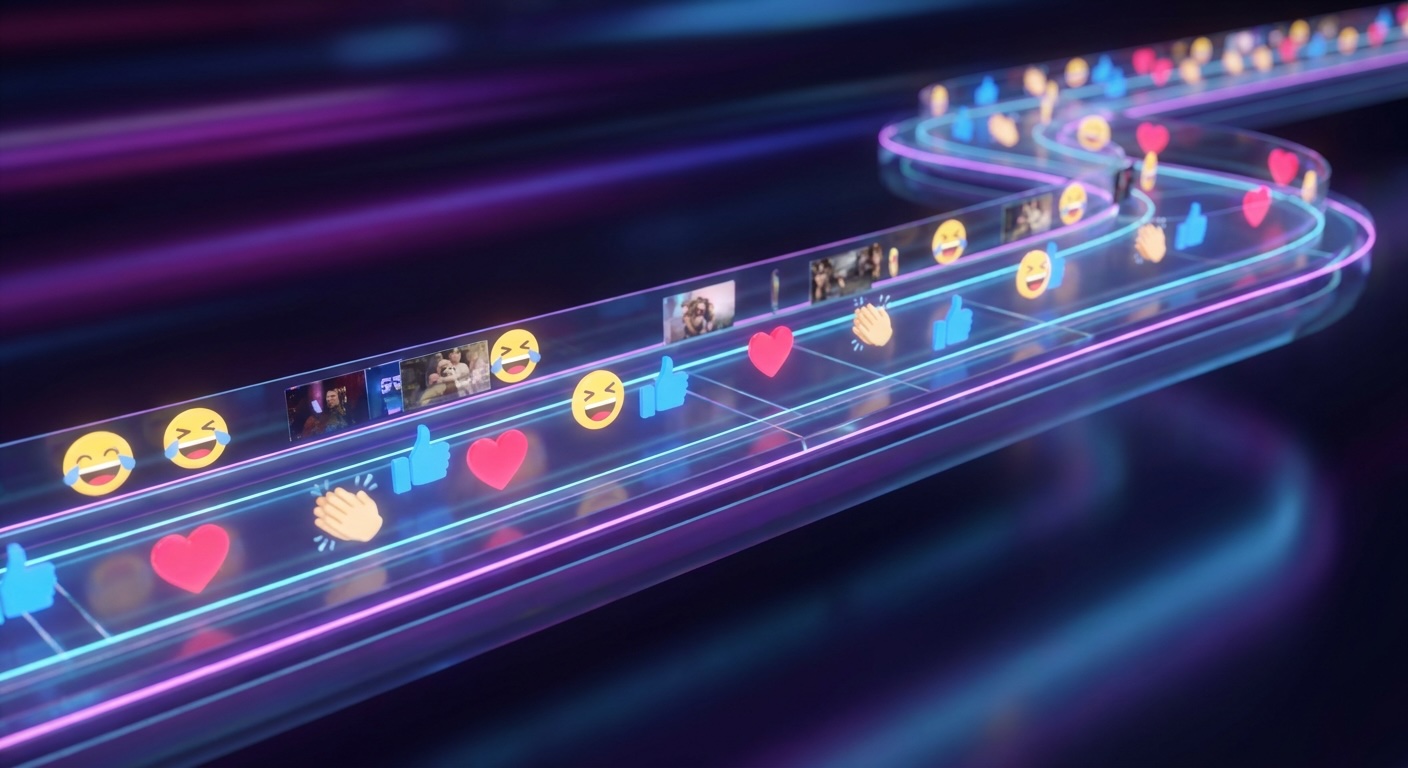
GIFs are first-class clips. Frames decode once via WebCodecs and stream from memory, so you can drop the same reaction across a dozen places with no penalty.
Audio reactive
Audio-reactive visualizers
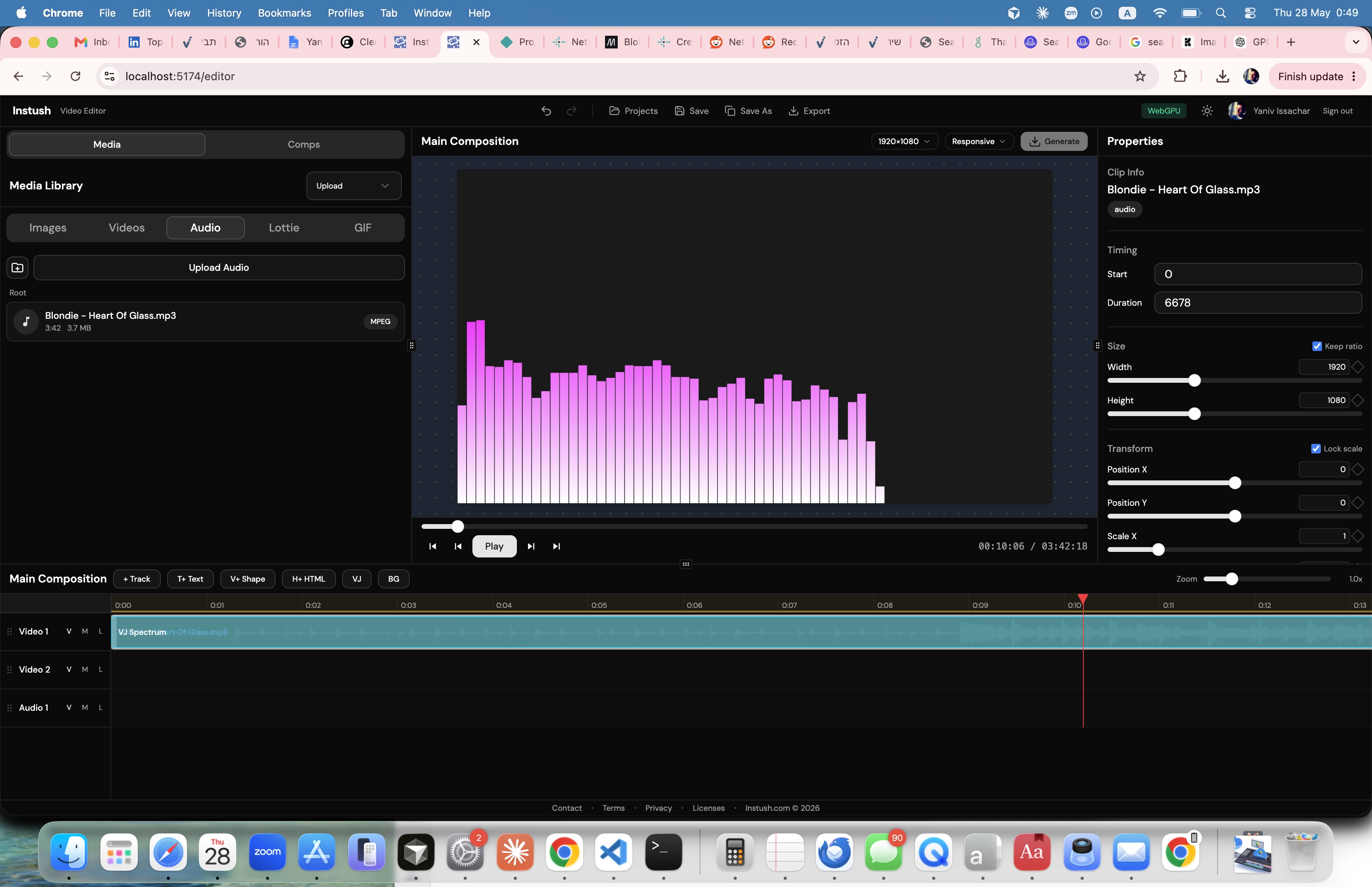
Add a VJ clip and it auto-connects to the nearest audio clip. Live FFT-driven bars dance to the beat with peak-hold smoothing — drop them straight onto the canvas, use them as a mask on whatever's behind, or subtract them from the layers below.
- Live FFT, no pre-bake step
- Three blit modes: overlay, mask, subtract
- Auto-snaps to the audio clip beneath
Backgrounds
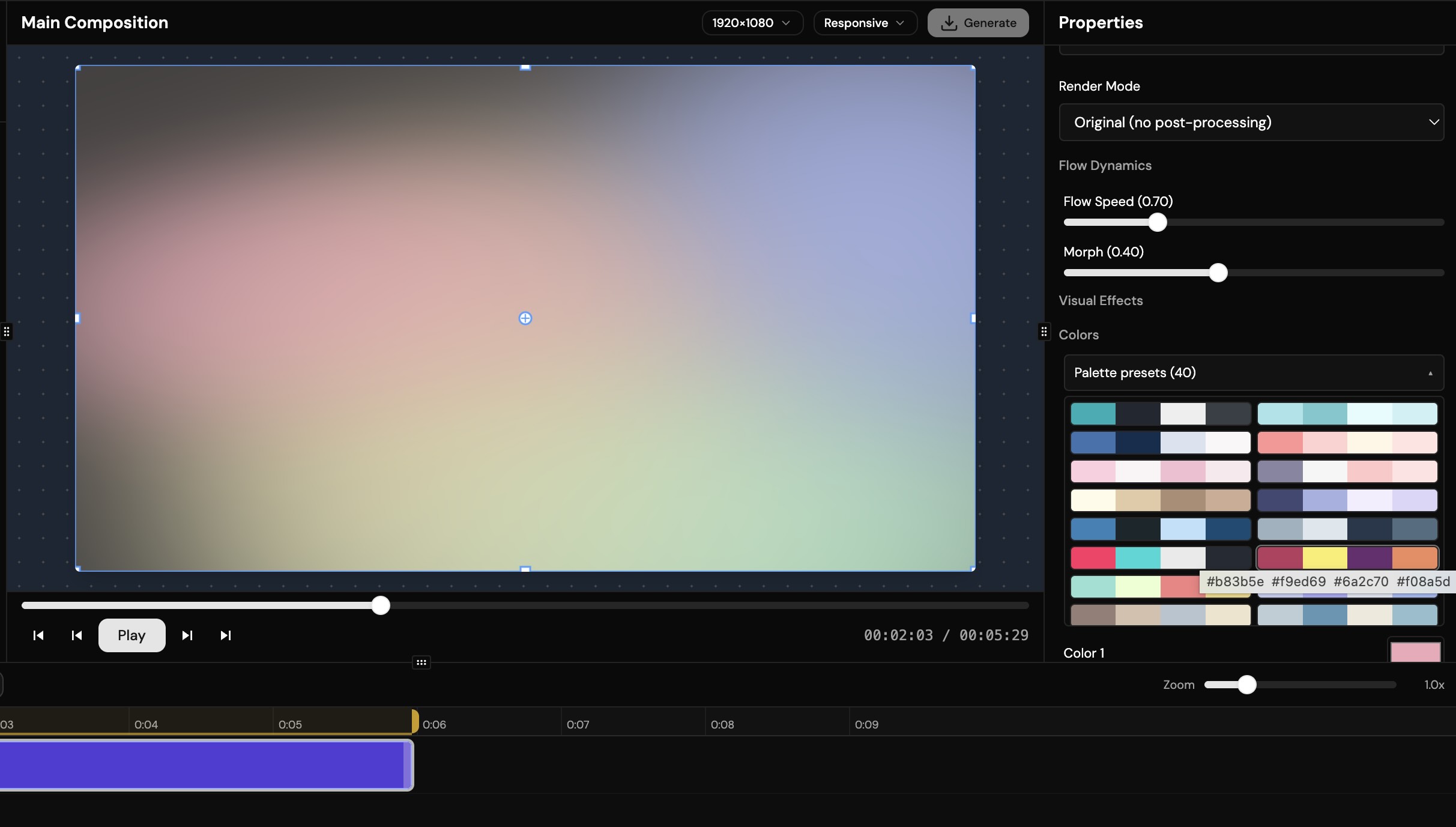
Forty-seven GPU-driven background animations
Forty-seven WGSL-driven background patterns — psychedelic flow fields, neon lattices, plasma, voronoi, particle swarms — fully parameterized with sliders and palettes. Or write your own fragment shader inline and watch it compile live.
- 47 bundled visual styles, all GPU-rendered
- Custom WGSL editor with live compile feedback
- Overlay-distortion patterns can sample other timeline clips
Composition
Nested compositions
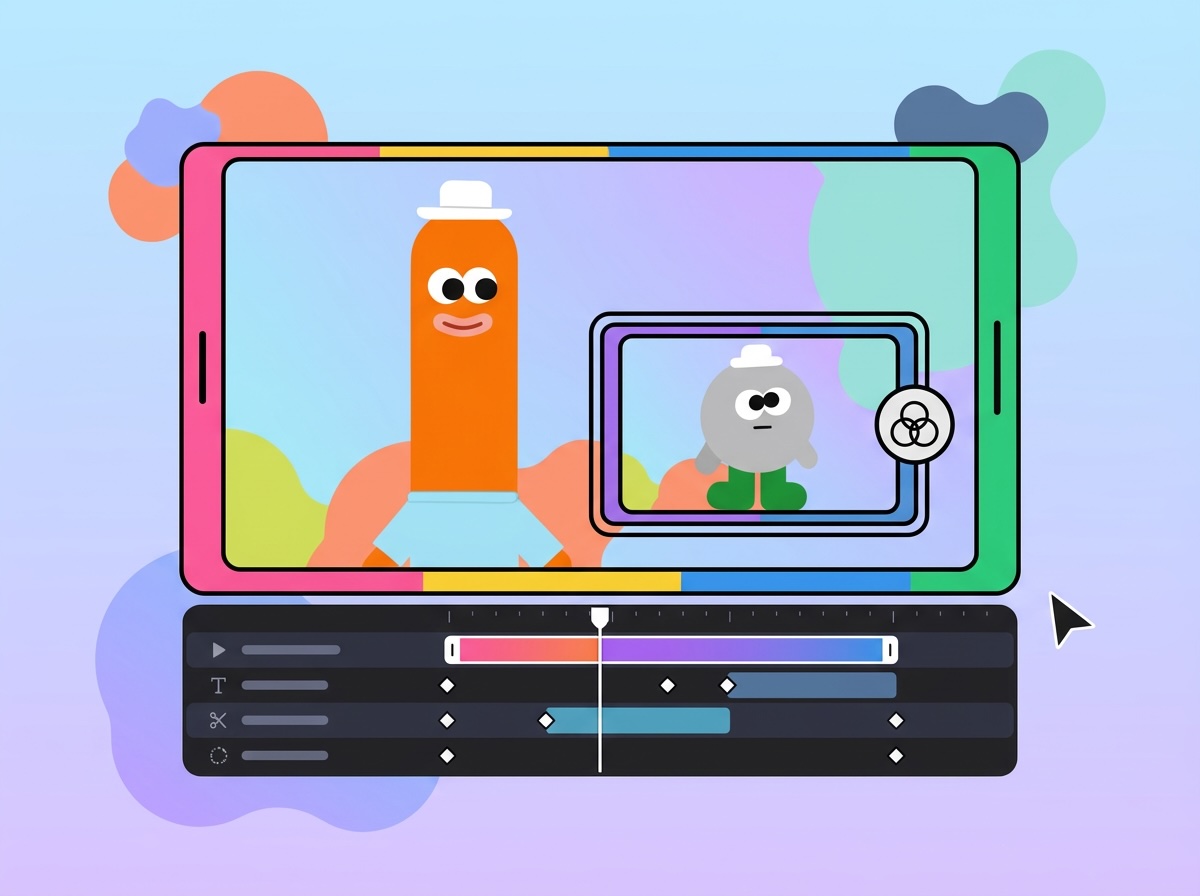
Group a scene into a sub-composition and drop it into another project as if it were a single clip. Edit once, reuse anywhere, stay organized as your timeline grows past the screen.
Cloud
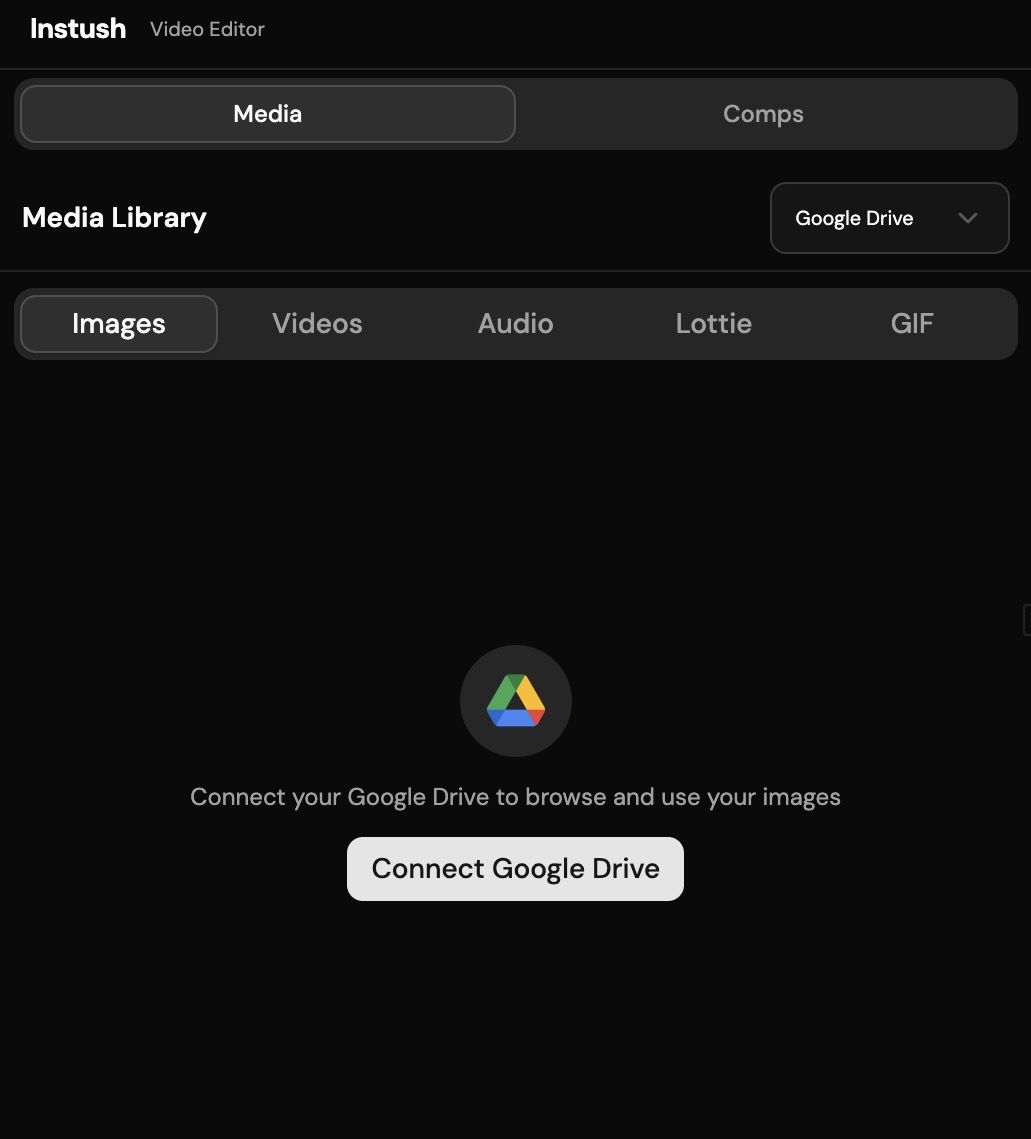
Pull media directly from Google Drive
Skip the download dance. Browse your Drive from the media panel and drop clips straight onto the timeline. Your assets stay in your cloud.
Output
Export H.264 MP4 in your browser
When you're done, render to MP4 entirely client-side via WebCodecs and mp4-muxer. Up to 20 Mbps, with audio. Nothing leaves your machine.
- Hardware H.264 encoding via WebCodecs
- Quality presets up to 20 Mbps
- Optional embedded audio track
Ready to make something?
Your project is one click away. Pick up where you left off or start a brand new composition.